Music lovers and audio enthusiasts often find themselves stuck with audio files that won’t play on their devices. Maybe you’ve downloaded a song in FLAC format, but your car stereo only plays MP3s. Or perhaps you want to preserve your vinyl collection in the highest quality possible, but you’re not sure which format to choose.
Converting audio files doesn’t have to be complicated, and understanding the basics can save you hours of frustration. This guide will walk you through everything you need to know about audio formats, with special attention to FLAC and the conversion process that makes your music accessible anywhere.
Understanding Audio File Formats: What Makes Them Different
Audio formats aren’t all created equal, and each one serves a different purpose. Think of it like cooking, sometimes you need fresh ingredients, and sometimes canned goods work just fine. Lossless formats like FLAC preserve every bit of audio data from the original recording, making them perfect for audiophiles who want studio-quality sound. On the other hand, lossy formats like MP3 and AAC compress files by removing data that human ears typically can’t detect, creating smaller files that are easier to store and share.
WAV files are uncompressed and massive, offering pristine quality but eating up storage space like there’s no tomorrow. Meanwhile, newer formats like OPUS provide excellent quality at lower bitrates, making them ideal for streaming. The format you choose depends on your priorities: Do you value storage space, sound quality, or device compatibility? Most people find themselves needing different formats for different situations, which is exactly why conversion tools exist.
Why FLAC Stands Out Among Audio Formats
FLAC has earned its reputation as the gold standard for music collectors, and for good reason. Unlike MP3 files that permanently discard audio information during compression, FLAC uses lossless compression that squeezes files down to about half the size of WAV files without losing a single detail. This means you can archive your entire music library in pristine condition without filling up multiple hard drives.
FLAC files also support metadata tags, allowing you to organize your collection with album art, artist information, and lyrics. The format is completely open-source and free from licensing restrictions, which means developers can create tools and players without worrying about legal issues. However, FLAC’s biggest strength is also its limitation, not every device supports it.
Choosing the Right Tool for Audio Conversion
The internet is flooded with audio conversion software, ranging from clunky desktop programs to sleek web-based solutions. When selecting a converter, consider factors like speed, quality settings, and ease of use. Desktop applications like Foobar2000 or dBpoweramp offer advanced options and batch processing, making them ideal for converting entire music libraries at once.
These programs give you precise control over bitrates, sample rates, and encoding quality, but they require installation and can feel overwhelming for beginners. Web-based tools provide a simpler alternative, letting you convert files directly in your browser without downloading software. For straightforward conversions, platforms like Ahaconvert make the process incredibly simple by handling uploads and conversions in just a few clicks. The best converter for you depends on your technical comfort level and how often you need to convert files.
Step-by-Step: Converting FLAC to Universal Formats
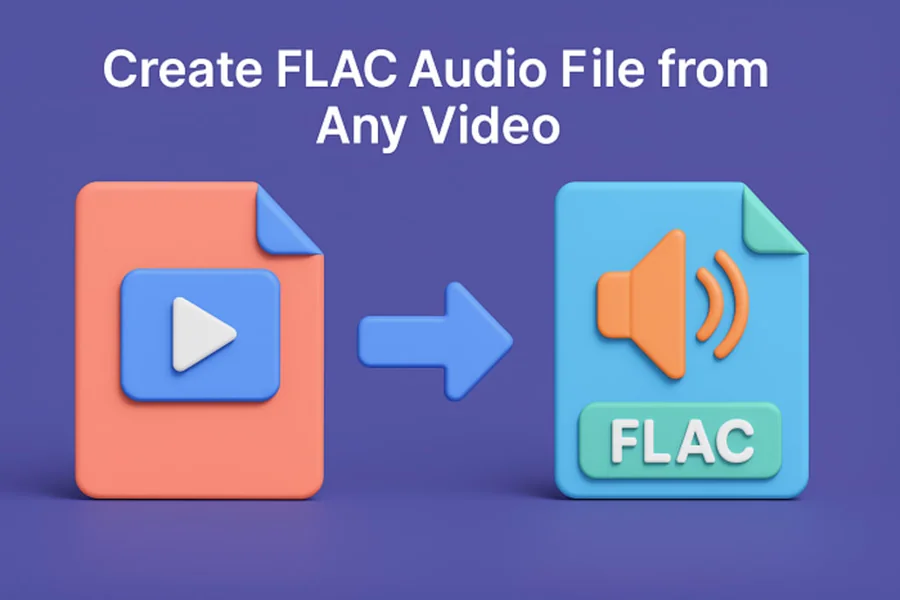
Converting FLAC files to more compatible formats is surprisingly straightforward once you know the process. Start by deciding which output format suits your needs – MP3 remains the most universally compatible choice, while AAC offers better quality at similar file sizes and works seamlessly with Apple devices. For the best results with MP3, use a bitrate of at least 320 kbps to maintain good sound quality, though 256 kbps provides a nice balance between file size and audio fidelity.
If you’re using a flac-converter online, simply upload your file, select your desired output format and quality settings, then download the converted result. Desktop software typically works by dragging files into the program window, choosing your output preferences, and clicking convert. The conversion process preserves your metadata in most cases, so album art and song information transfer to the new format automatically. One smart strategy is to keep your original FLAC files archived on an external hard drive or cloud storage while using converted versions for daily listening.
Avoiding Common Mistakes in Audio Conversion
Many people unknowingly sabotage their audio quality by making preventable errors during conversion. The biggest mistake is repeatedly converting files between lossy formats – for example, converting an MP3 to AAC and back again. Each conversion compounds quality loss, similar to making a photocopy of a photocopy. Always convert from lossless formats like FLAC when possible, or at minimum, keep the original file intact before experimenting with conversions. Another common pitfall is choosing bitrates that are too low in an attempt to save storage space, resulting in muddy sound with noticeable artifacts.
While 128 kbps MP3 files are tiny, they sound noticeably worse than 256 kbps or 320 kbps versions, especially when listening with decent headphones. Additionally, some converters apply unnecessary audio normalization or processing that can distort the original sound characteristics. Look for tools that offer “direct stream copy” or “transparent conversion” options when moving between similar formats. The key is understanding that conversion should adapt files to different devices and situations without unnecessarily compromising what made the original recording special.
Conclusion
Converting audio files is an essential skill in today’s multi-device world, and it doesn’t require advanced technical knowledge to do it right. Understanding the differences between formats like FLAC, MP3, and AAC helps you make informed decisions about quality and compatibility. Whether you’re archiving a vinyl collection, organizing digital purchases, or simply trying to play music on different devices, the right conversion approach preserves your listening experience while adapting to practical constraints.
Start with high-quality source files whenever possible, choose appropriate bitrates for your needs, and avoid the temptation to repeatedly convert between lossy formats. With these principles in mind and the right tools at your disposal, you’ll have complete control over your music library, ensuring your favorite songs sound great no matter where or how you choose to play them, as also discussed in digital organization guides on celmamagazine.com.